



A corporate conference is one of the most complex events to produce. Multiple speakers, breakout sessions, sponsor activations, networking spaces, and often a gala dinner or awards ceremony on the final evening. The production requirements touch every technical discipline: audio, lighting, video, staging, rigging, and show management. After producing hundreds of corporate conferences across Florida and the United States, here is our production manager’s checklist for a smooth, professional event.
Key Takeaways:
- Start venue walkthroughs and speaker AV collection 12-8 weeks before the event
- Power distribution and detailed stage plots are critical at the 8-4 week mark
- Always conduct a full system check and tech rehearsal before the first guest arrives
- A dedicated show caller on comms ensures seamless transitions between segments
12-8 Weeks Out: Discovery and Planning
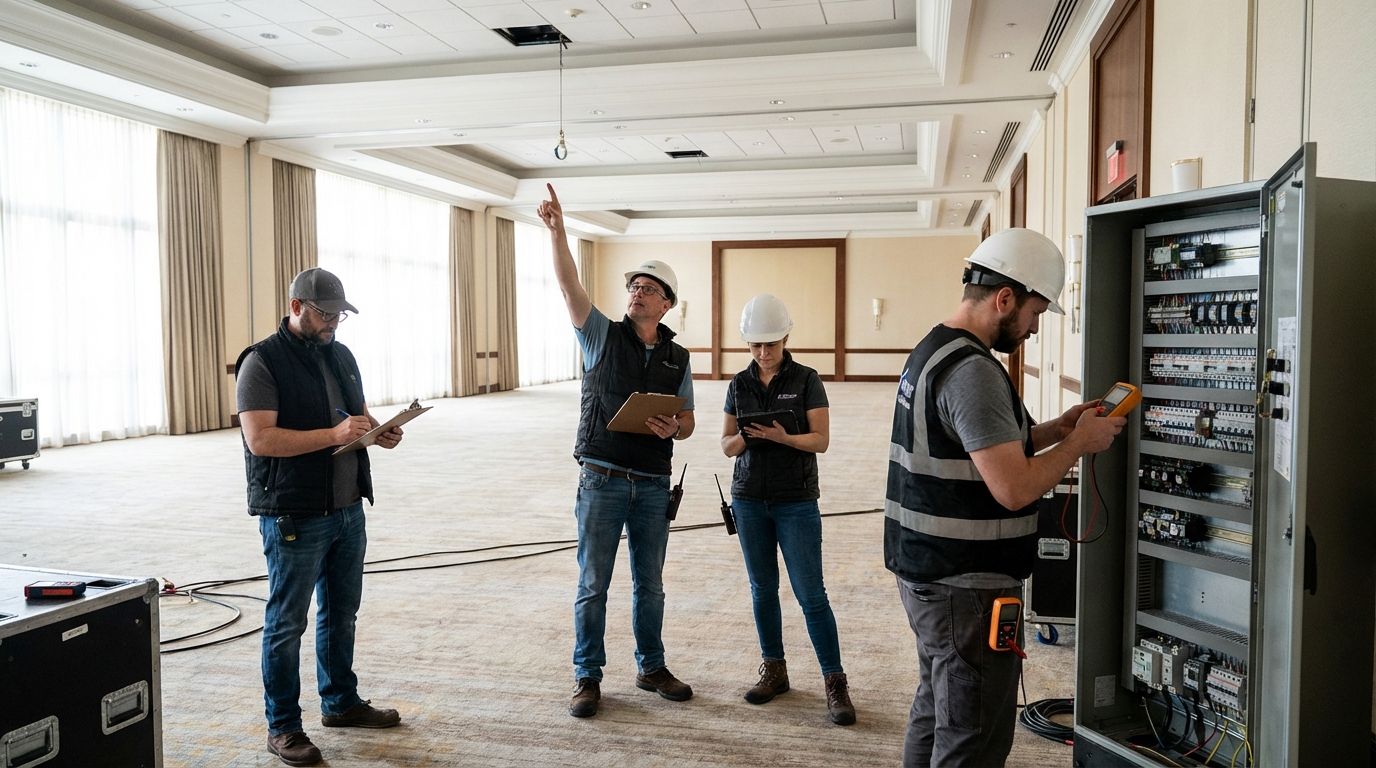
- Venue walkthrough: Visit the venue to assess power availability (how many amps on which circuits), rigging points (can you fly speakers and lighting?), load-in access (freight elevator size, dock height, distance to the ballroom), and any venue restrictions (noise curfews, union labor requirements, prohibited equipment).
- Program review: Get the full run of show — every session, every speaker, every transition. Identify the production requirements for each segment: keynotes need confidence monitors and prompter, panels need 4-6 wireless mics, product demos may need live camera feeds and dedicated AV switching.
- Budget alignment: Establish the production budget early and be transparent with your production company about the range. A good production partner — like us — will design a solution that maximizes impact within your budget, not upsell you on equipment you do not need.
- Speaker AV requirements: Collect presentation files, laptop types, click-advance requirements, video playback needs, and any special requests (dual screens, live polling integration, audience Q&A microphones) from every speaker.
8-4 Weeks Out: Design and Prep
- Stage plot and signal flow: Your production company should provide a detailed stage plot showing equipment placement, cable runs, monitor positions, and crew stations. Review this with the venue to confirm everything fits.
- Power distribution plan: Professional productions draw significant power. Confirm that the venue can provide the amperage you need, and plan for power distribution from the venue panels to the stage, FOH (front of house), and any satellite positions.
- Content preparation: All presentations should be collected, tested on the playback system, and formatted for the screen aspect ratio at least one week before the event. Last-minute USB drives from speakers are the number one source of technical delays at corporate conferences.
- Crew call sheet: Finalize the crew list, call times, roles, and contact information. For a multi-day corporate conference, you typically need: 1-2 audio engineers, 1-2 lighting techs, 1-2 video/camera operators, 1 show caller/stage manager, and 1 production manager.
2-1 Weeks Out: Final Coordination
- Vendor coordination meeting: Get all vendors — production, catering, florals, AV, venue — on a single call to walk through the timeline. Identify conflicts (does the caterer need access to the stage area during lunch? Will the florist block a speaker position? Does the venue need an hour for room flip between sessions?).
- Rehearsal plan: Schedule a tech rehearsal for VIP speakers — at minimum the CEO keynote and any product launches. Walk the speaker through the stage, show them the confidence monitors, test their microphone, and run their presentation on the actual screens.
- Contingency planning: Identify the top five things that could go wrong and prepare solutions. Backup laptop loaded with all presentations. Spare wireless microphones. Backup internet connection for livestreaming. Rain plan for any outdoor elements.
Load-In Day
- Arrive early: Production load-in should begin before any other vendor. The stage, audio, lighting, and video infrastructure need to be in place before decorators, florists, and caterers can do their work.
- Systematic setup: Stage first, then truss and rigging, then lighting, then audio, then video. Each layer builds on the previous one. Rushing or doing things out of order creates problems that cascade through the entire setup.
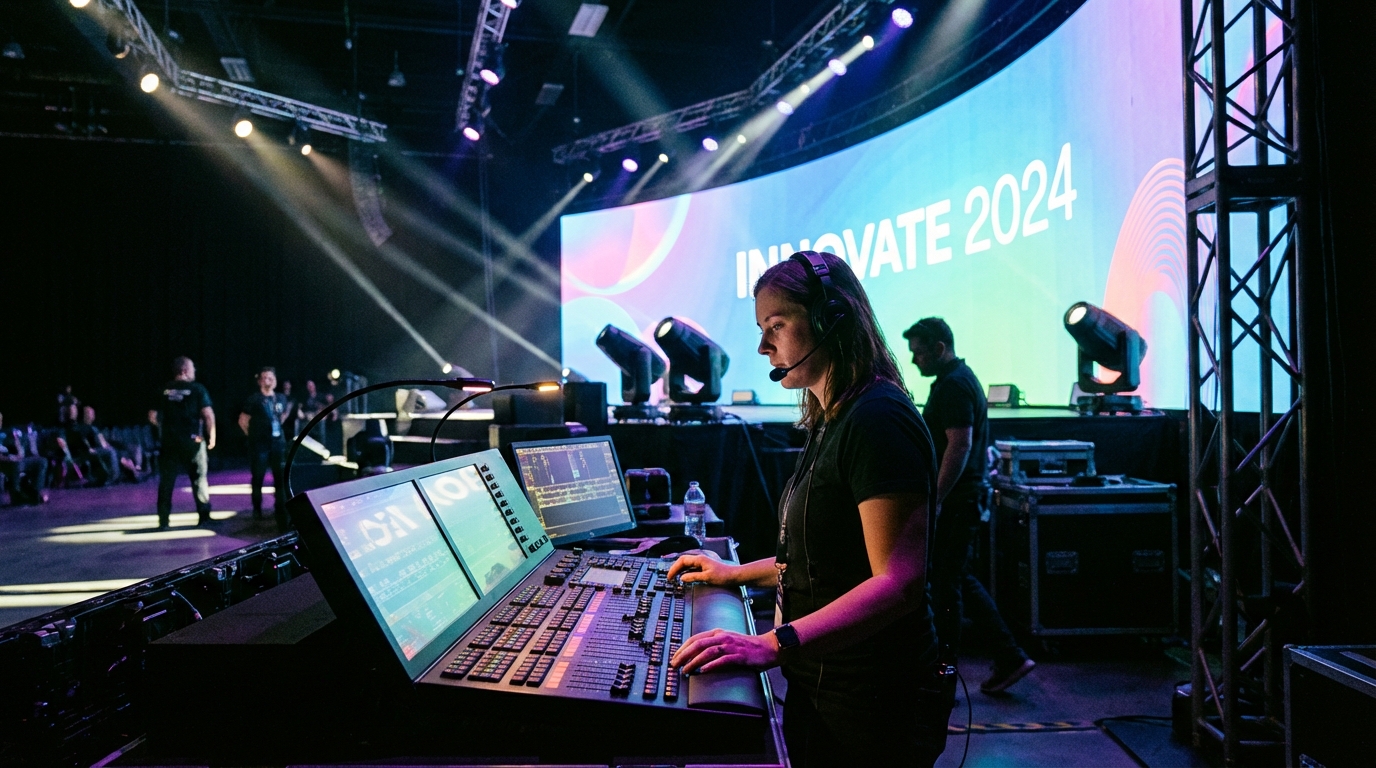
- Full system check: Every microphone tested, every lighting cue verified, every video input confirmed, every speaker fired up. Walk every presentation file on the actual playback system. The system check should be complete with time to spare before the first guest arrives.
During the Event
- Show caller on comms: A dedicated stage manager or show caller on headset coordinates all technical cues — lighting changes, video rolls, mic switches — ensuring smooth transitions between segments.
- Proactive monitoring: Engineers should monitor audio levels, wireless frequencies, and video feeds continuously. The goal is to catch and fix issues before anyone in the audience notices.
- Real-time flexibility: Speakers run long, schedules shift, VIPs change plans. Your production team needs to adapt in real time without visible disruption.
Let Us Handle the Production
Planning a corporate conference is complex enough without worrying about the technical production. That is what we do. Contact Secrets For Victory at (321) 382-0077 to discuss production support for your next corporate conference.
Need Professional Conference Production?
Secrets For Victory delivers premium production for corporate conferences of any scale across Florida and nationwide.